e850-96
Enablement
LAVA by default is configured to work with this DUT + LAA setup. If you opt for a different setup you’ll have to change your DUT + LAA device configuration on LAVA.
For the e850-96, use the RPi and 96 boards MIB.
MIB
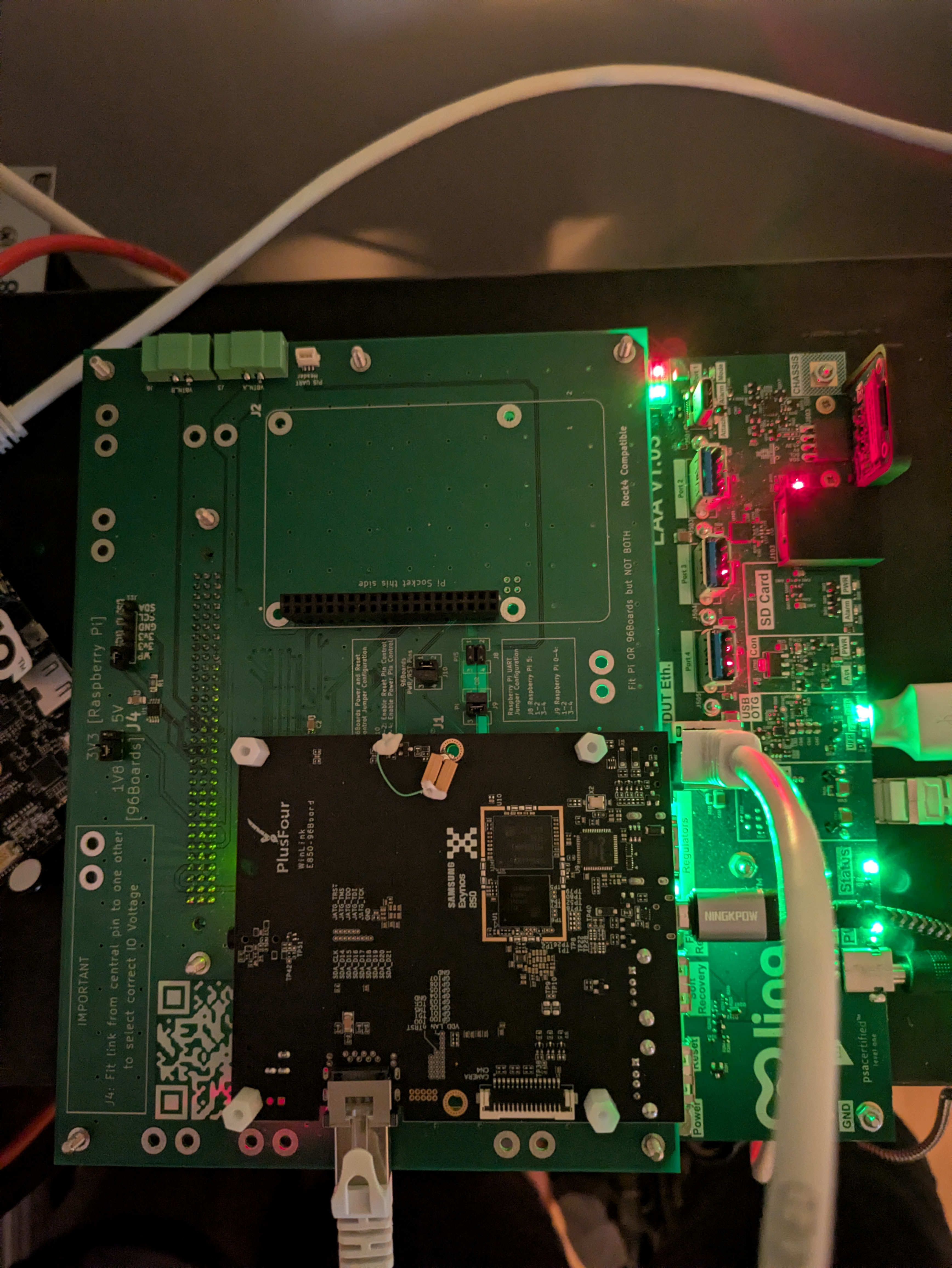
e850-96 on the MIB, connected to the LAA
Configuration
Set the voltage level switch on the top of the MIB to 1v8:
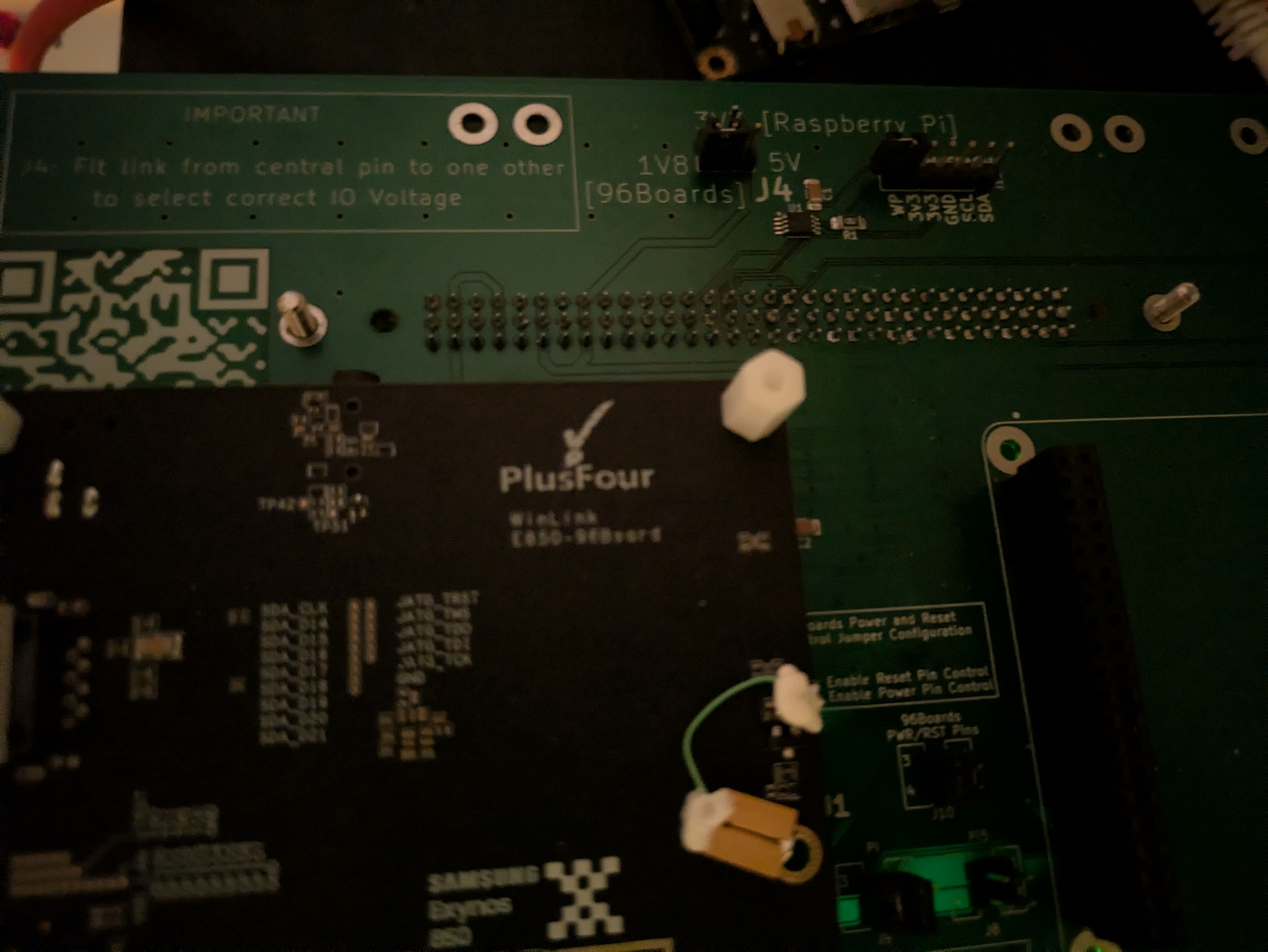
VIO level set to 1v8
96 boards header
Multiple DUTs
Only connect a Raspberry Pi or a 96 board on the MIB, not both at the same time!
Connect the e850-96 to the 96boards header. The e850-96 should fit in the printed rectangle.
Standoffs
You can use standoffs to securely attach the board to the MIB.
USB
Connect a USB Type-C to Type-C cable from the LAA USB Port 1 (USB DUT port 1) to the e850-96 micro USB port.
Board boot mode
For normal use all boot-mode dip switches must be OFF. The board then boots LK from eMMC, and LK enters fastboot mode.
See the e850-96 hardware user manual for the dip switch layout.
Network
The e850-96 has a built-in Ethernet port. Plug an RJ45 cable from the board into the LAA private Ethernet port.
Software
Bootloader
The board runs Samsung’s Little Kernel (LK) from eMMC. To install it, follow the guide at dltool.